Research Blog

Get an e-mail on new posts
Get the latest posts via RSS

r41.6 – Install & Portrait Mode

r41.6 is now out in both demo and subscriber builds.  Read on for information on the changes and future plans:

Desktop/Mobile Install

You can now install the game to your PC or mobile device.  Then you can launch it from your start menu or home screen:

As this is built as a PWA (a kind of lightweight web app), no special permissions or manual updating should be required.  Under the hood, it’s still just the website… but easier to get to now.

Portrait Mode

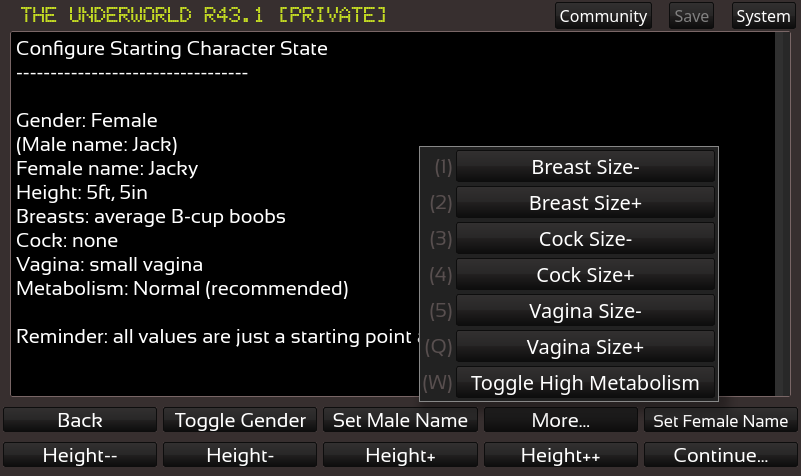
In addition to the existing landscape orientation, you can now play the game in portrait mode.  This is especially helpful for new mobile players who may be confused by having to rotate their phone to get the UI to resize correctly.  Here’s a before/after for comparison:

In addition, the game does a better job of resizing to fit the available space.  So there should be less instances of buttons clipping offscreen on mobile devices when the browser URL bar pops in and out.

Colorized Buttons

As you may have noticed from the above screenshots, some buttons are now colorized to help differentiate them (ie: navigation).  This can be disabled in settings if you prefer the old style.

Misc Improvements

  • System dropdown created — allows for quick entry into fullscreen mode, and links to other system tools (install, etc)
  • Quit button (finally!).  Great for when you want to select a different build or load a game (no more retyping the website URL)
  • When session ends, there are now links back to the build select screen
  • Website – the What Is page includes some zoomable screenshots, along with big buttons on a few key pages
  • The beginnings of some secret stuff that’ll be useful for the next content update :3

Bug Fixes

Fixes for the following issues:

  • Janky text box scrolling behavior on mobile/touch devices
  • 53: Succubunny w/ Elijah scene text typo
  • 54: Arya typo
  • 68: Height does not save
  • 87: Interesting softlock with the pound
  • 88: only showing top row of controls
  • 72: UI buttons on bottom of screen are cut off on mobile
  • Double-tap to zoom on mobile devices when trying to push buttons
  • Randomly selecting button text when trying to click/tap
  • In landscape mode, it’s possible for the height of the items scroller to be too high and go offscreen
  • improvements to world items popup (many items) so that it A) doesn’t render offscreen in portrait mode, and B) renders above the button correctly and C) selects a height so that buttons will cut off if there’s too many of them, better hinting at there being more items to scroll down and look at
  • On rotate, should refit all button texts, In landscape mode, map height isn’t resizing based on available space, Examine self button is not still there on ios
  • More accurate text autofit for buttons
  • disable hover states on mobile to prevent weird button coloration
  • Only show subscribe button if not subscribed
  • Fixed some logic so in demo mode logout doesn’t force a re-login
  • made login/register forms push left/right as appropriate so it’s much easier to see on mobile (but still has side by side layout for desktop).
  • Prevent header from clipping into community button on narrow widths
  • discord link – fixed bug where blue names went away for six hours every month

Coming Up Next

It’s taking a while, but I’ve got some cool stuff coming for the next DLC content update.

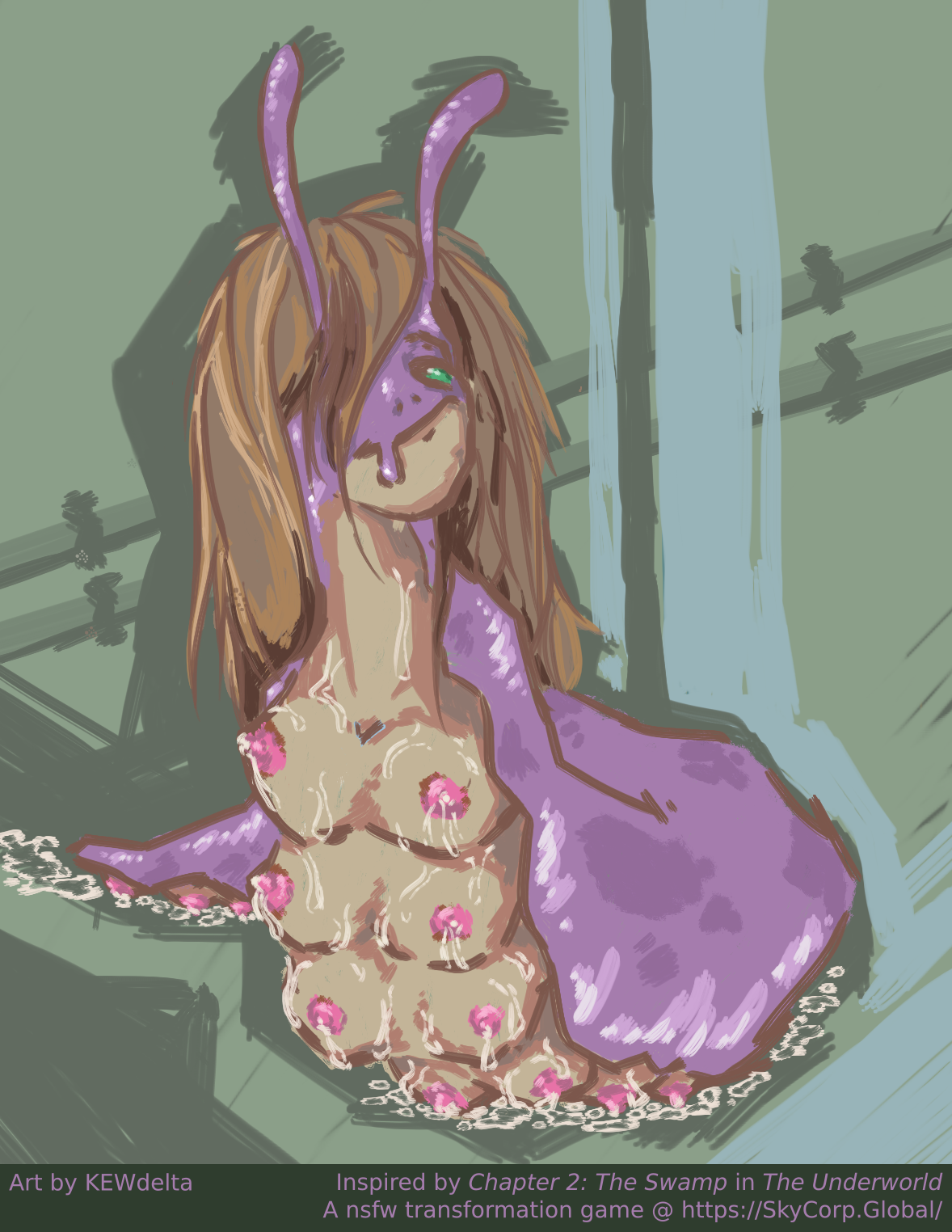
A little reveal… it’s a return to the sewers area~  If you enjoyed becoming a titslug, get ready to spend way longer as one 😉

Ads

I’ve also been experimenting a bit with trying to advertise the game more.  In addition to a new fancy landing page, I’ve also been making some GIFs.  Here’s an ad you may have seen on a website or two:

And I have a new one coming, also:

The fox gif features brand new artwork, which was created by Alewdamao.  The GIF version can be downloaded at the top of the page, or here are the HQ stills:  1, 2, 3, 4.

Voting Finished + Sub Giveaway in Discord

We’ve wrapped up the voting for the fan art contest, you can see the results at the bottom of the page here.  These arts all came out so great! I’m hoping to do another fan art contest like this again in future at some point.

Sly is also sponsoring a really quick game sub giveaway in our Discord right now. If you’re seeing this late, don’t worry too much– rumor is there will be another one in future~ 😉

(Open to all 18+ persons, no purchase necessary to enter)

Fan Art Contest Entries (vote!)

We received three entries into the contest, which means each person who entered will receive a prize!

Main Player as Dinoian by goodtimesroll:

Sneaking out of The Underworld by Nixie:

Wyvern Breeder #562:

Thank you so much to our fan artists, I absolutely love your artworks!

Active backers can vote on their favorites in the Researcher Intranet.  (The entry with the highest number of votes at the end of two weeks will receive their first pick for prize.)

Update:  Polls are now closed!  Results here, all artists will be contacted shortly.  During polling, I saw each entry enjoy a period of being either in lead position or tied for lead position, so it was anyone’s game.  Each of these artworks are great, so thank you again to our entrants!

r41.5 – Save/Load & Wyvern TF

Naga Queen is excited about the new build!

My initial plan for this release was to get right back into content updates.  I got started with a nice bit of planning for the content update, and then remade the text editor in the new engine so I’d actually be able to get story text back into the game.

Unfortunately, mid-development, I started to realize just how broken the old Flash version is after hearing more and more bug reports for it.  There’s a lot of subtle, game breaking bugs in it (like in the dino chapter where depending on which Flash runtime engine you use, Hanako will give you inaccurate directions and make the chapter unbeatable).

The new web version is much more stable and fixes those problems, and it’s the version of the game I strongly recommend people to use for that reason.  One big thing that will help with more people using the new version is getting save/load ported over so you won’t have to rely on Flash to access save files.

So, here’s the new updates in this build:

Save/Load

The main feature of r41.5 is reintroducing save/load — a (perhaps) surprisingly large task given how everything ties into the save/load system.  The new save/load system also includes new save file slots for subscribers, for a total of 20 slots.  More slots support has been frequently requested, so hopefully comes in handy!

The system should be backwards compatible with old save files from previous Flash versions of the game.  Under the hood, the format is pretty different, although as much as 10x more space-efficient versus the old method.

If you have an old save file that won’t load, or a new one that doesn’t seem to save/load correctly, please report it as a bug and attach your save file.  (Remember, you don’t even need to register a separate account on the bug tracker, it uses your existing one 🙂  If the fields on the bug report confuse you, most of them you can leave blank.)

Wyvern TF

In order to prevent the game getting into a weird state with save/load, I also went ahead and ported the TF part of the Wyvern DLC.  Note that it doesn’t include the monster part of that since that was implemented as a mod, and modding hasn’t been implemented yet.  Even without, this is still a quite fun TF to play.  Until that content comes online, the second easiest way to get knocked up as a Wyvern is to find the Octomaid in the debug rooms.

Login System

Also to support save/load, the login system has been added in the new engine.  This mostly is needed for players using the demo without starting logged in, who then decide they’d like to login mid-game so as to save their progress.

In that case, you’d see the new login screen:

Text Editor

The text editor is an important tool that I use to get text into the game and tested.  The first part of this release was spent getting this up and running so that I’d be able to eventually get game content added again.

Unlike the old Flash engine where the tool was limited to myself, the parse tester part of this tool can now be used by modders directly to test out your strings… though that may not be overly useful until modding itself is implemented again.  Still, you can check it out by pressing ` if you want to.


Misc

  • Support for much longer text on-screen (this involved writing a packet splitting system; fixes #83).
  • Self-test mode – now as part of automated builds, the game will self-test on a small collection of save files to flag potential issues.  This helped find a bunch of potential save/load errors before this build got released.  In future, I’d like to expand this to more areas of automated testing.
  • UI Windowing system to support the Text Editor.
  • When in water, don’t assume slugs are grinding against the floor since there may not be a floor. (Have them grind against themselves instead :3)
  • Frogs can now breathe underwater, and won’t produce visible slime when either in water or underwater (Fixes #67).
  • Added a quick search bar to the bug tracker header to quickly find issues.
  • Fixed bug where frog TF player description is missing player eyes description.

This build is now released in both full version and demo variants.

Fan Art Contest Reminder

Don’t forget there is a fan art contest going on now.  We’ve already had one lovely entry (thank you!), but we have three prizes to give out!

UPDATE – Hotfix

41.51 fixes a bug in this version that caused frogs to respawn in ch7 — thanks for the report!